
New · TripSarthi mobile app
Run your whole travel business from your phone
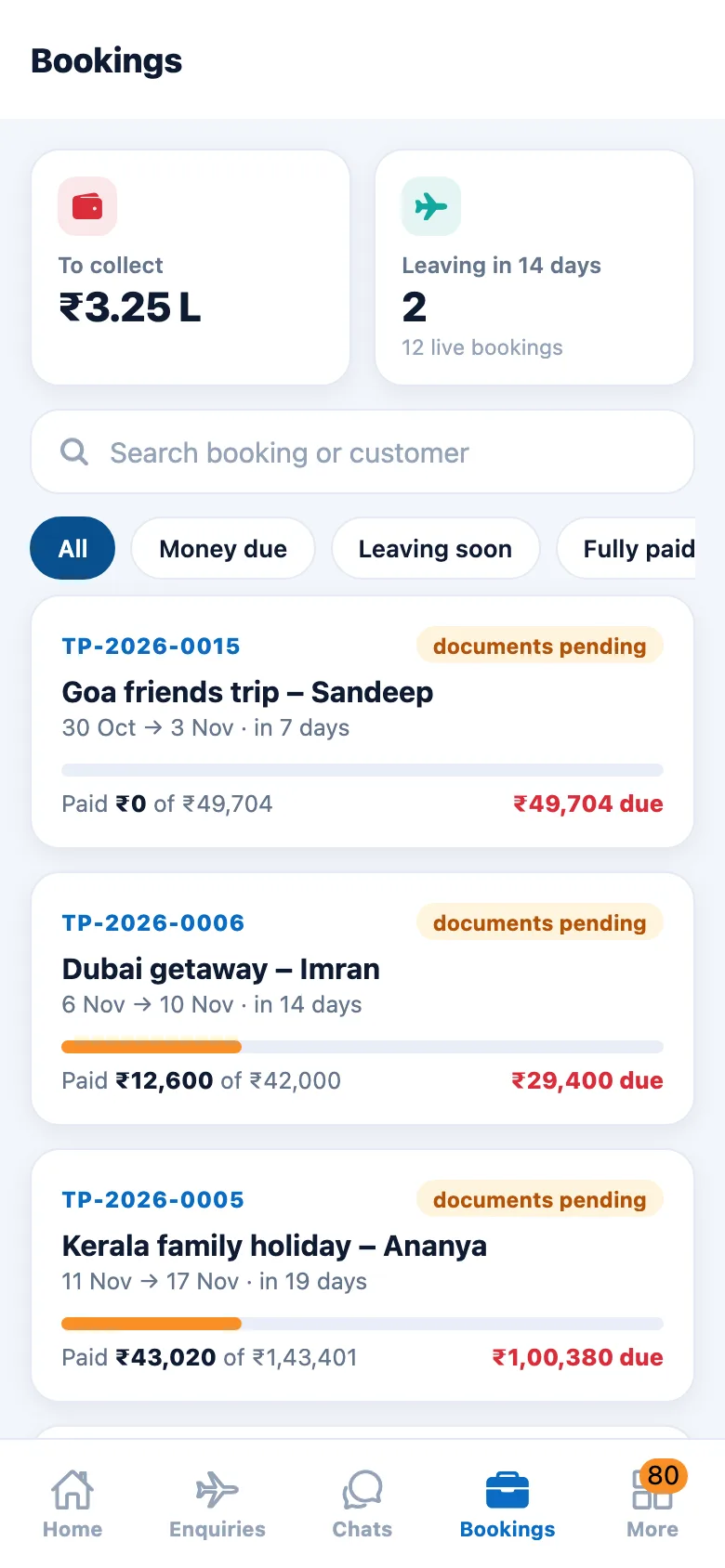
Enquiries, WhatsApp chats, quotes, bookings and payments due, with push alerts for every lead. Built for agents who are never at their desk.
Android app — coming very soon

On a computer?Scan with your phone camera to download.
New WhatsApp enquiryPush alert · Bali honeymoon
₹30,981 receivedInstalment 1 · receipt sent
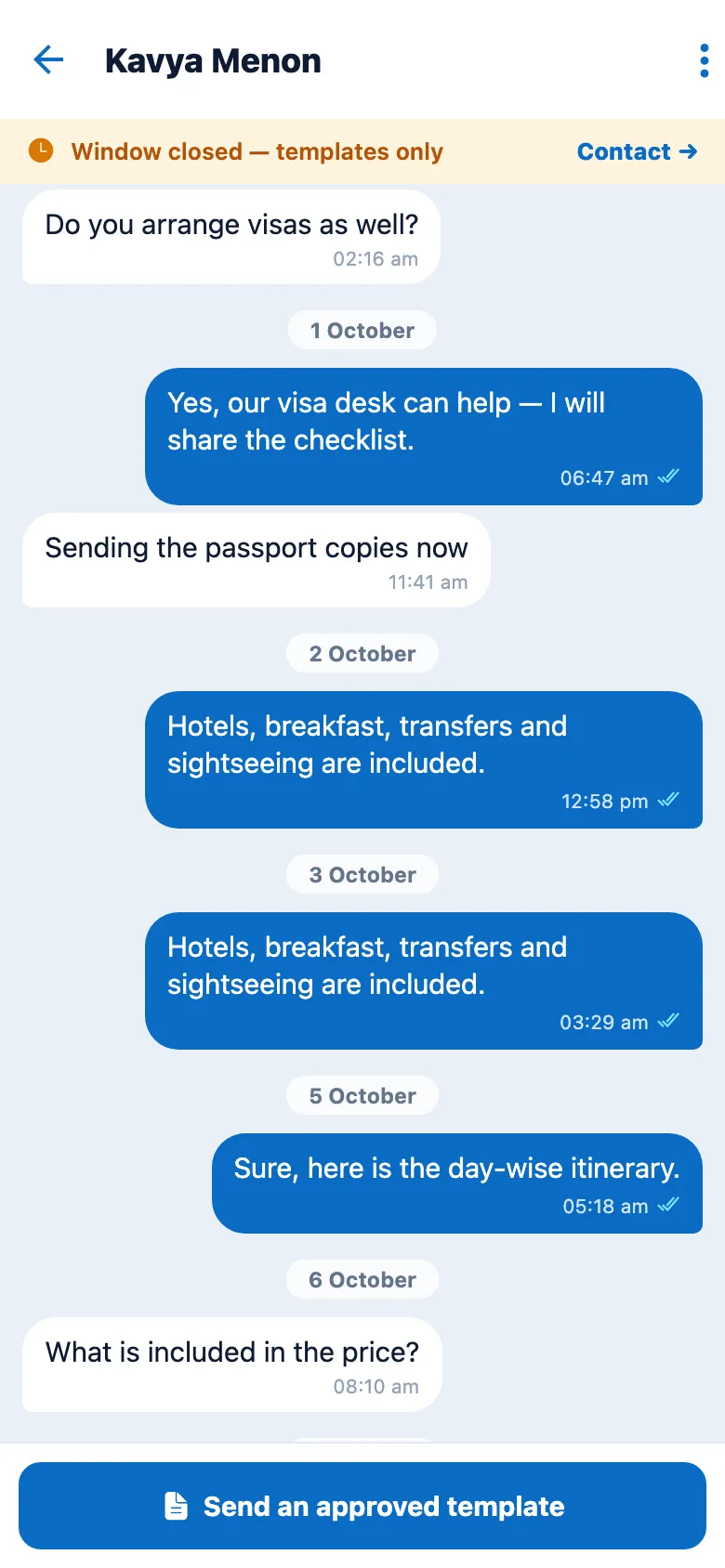
- WhatsApp inbox in your pocketReply to customers, send photos, documents and voice notes, and assign chats to your team.
- Instant alertsA push the moment a new lead arrives, a customer replies, a quote is viewed or a payment lands.
- Quote with AI in minutesDraft a day-wise quote, set your markup and send it on WhatsApp before the customer cools off.
- Works with no signalSave tasks, contacts and enquiries offline. They sync by themselves when you are back online.
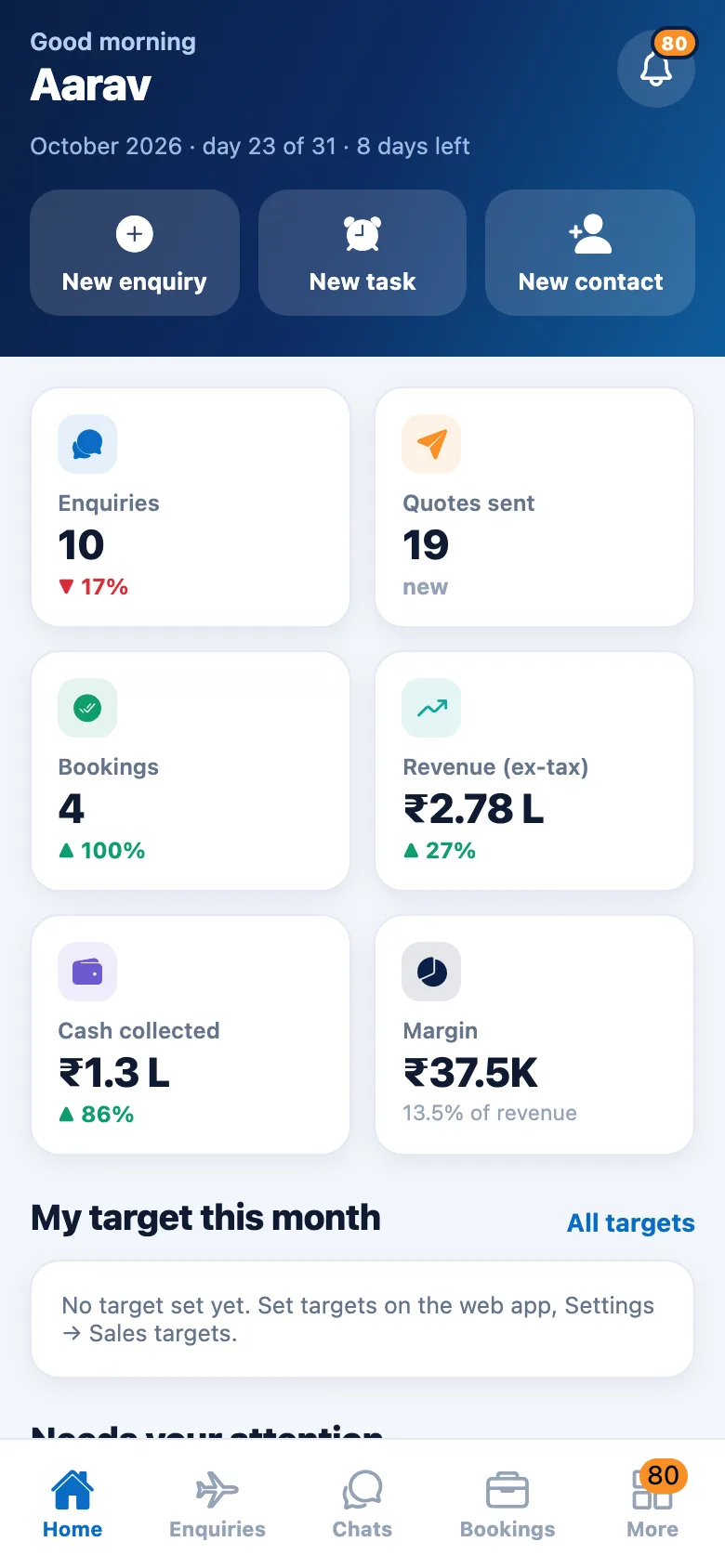
- Your numbers, liveRevenue, collections, departures and your sales target, always one tap away.
- Everything else, tooEvery screen of TripSarthi is inside the app. Hindi and dark mode, plus a fingerprint or Face ID lock.
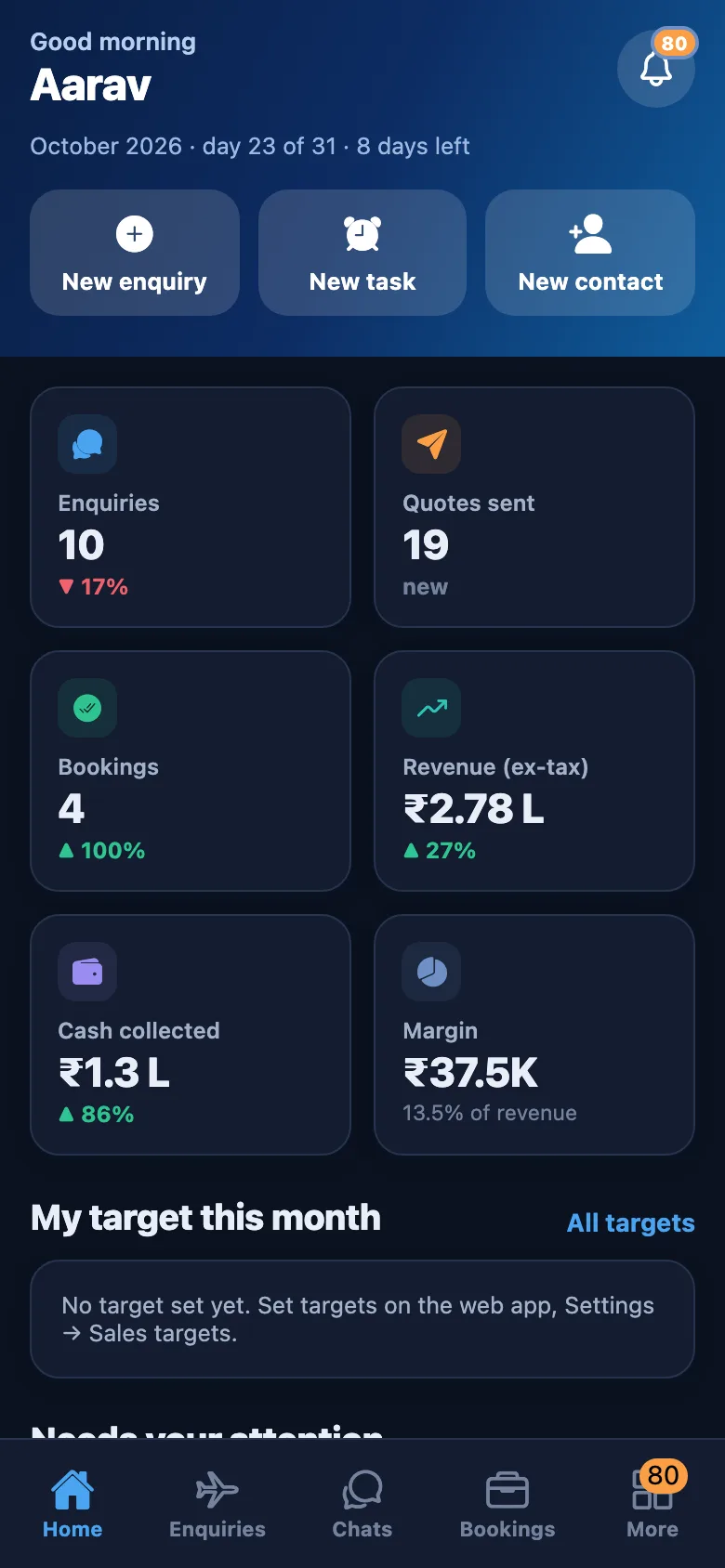
Light or dark, English or Hindi
Made for long days on the road
Follows your phone’s light or dark setting, speaks English or Hindi, and can lock itself behind your fingerprint.
Install
Install on Android in a minute
- 1
Download
Tap Download for Android above on your phone.
- 2
Open the file
If Android asks, allow installs from your browser for this one file.
- 3
Sign in
Use the same e-mail and password as on the web. Everything is already there.
iPhone version: coming soon. Until then the full web app works in Safari.